How Do I Change The Font Size On My Samsung Phone
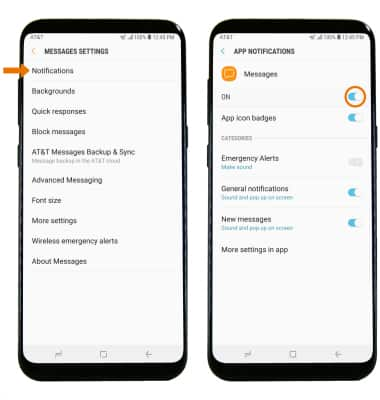
On your samsung galaxy s8, you may find the fonts in your texting conversation to be too small. Tap done to save your settings.
How Do I Change The Font Style And Size On My Samsung Galaxy Tab A Samsung South Africa
Turn on your galaxy j7.

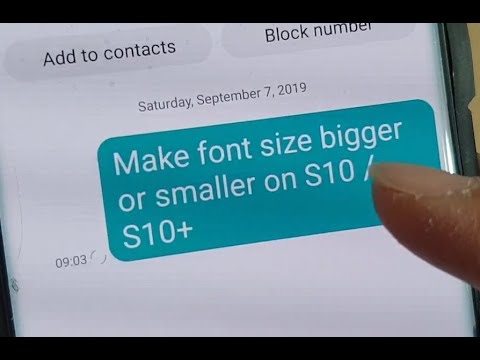
How do i change the font size on my samsung phone. I show you how to increase or decrease the sms text messaging app font text size on all samsung galaxy phones. From settings, search for and select font size and style. Later on, tap on font size and style.
Big fonts cause you to […] You can always tap default to change back to your phone's default font. To do this, head back to the font size and style menu and then drag the font size slider left or right.
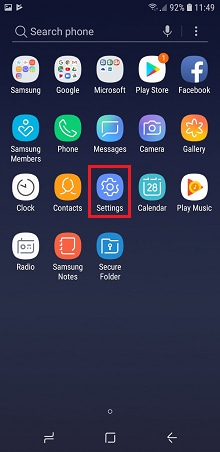
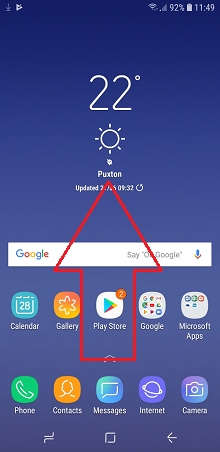
Here you can adjust several different settings: First, swipe down once or twice—depending on your phone—to reveal the quick settings menu. Tap the app drawer icon from the home screen.
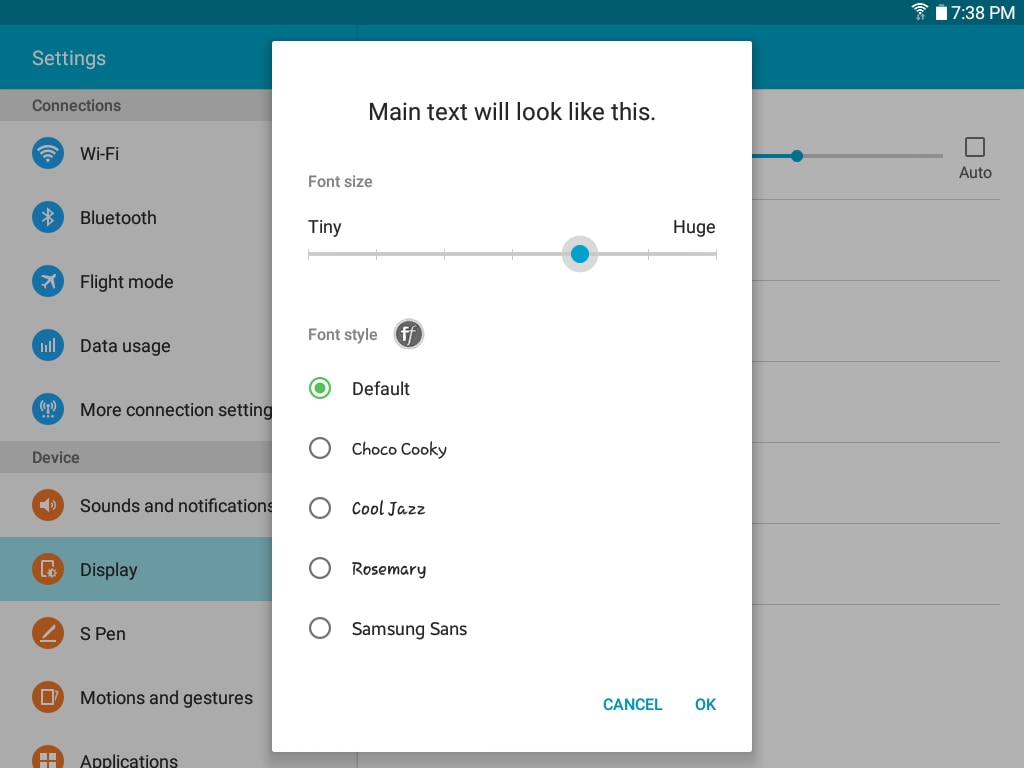
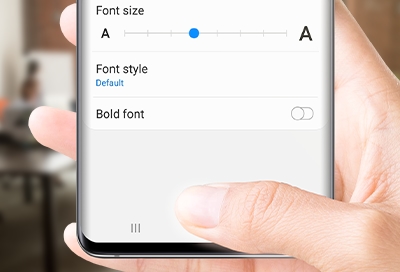
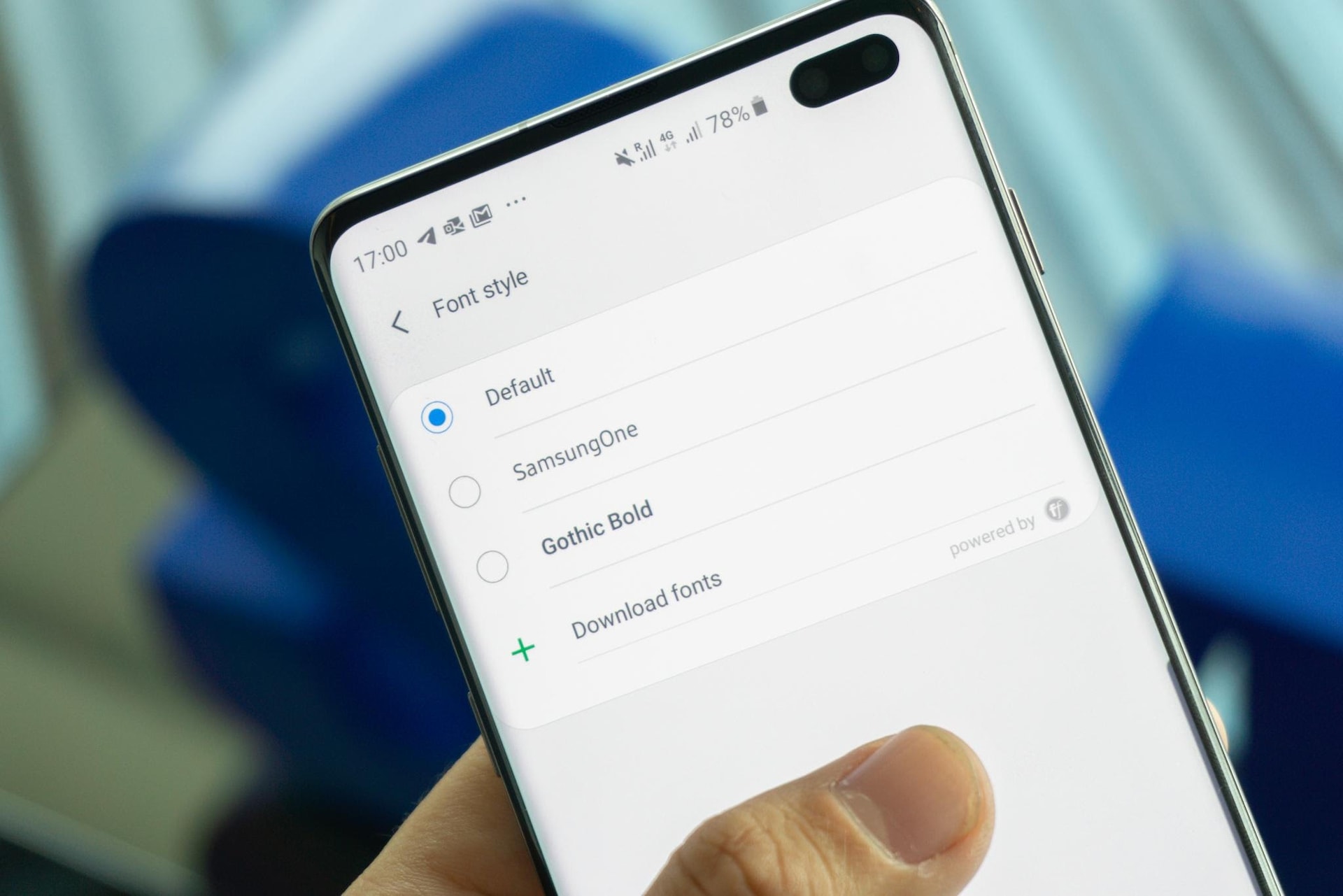
Tap font style to change or download new fonts. To change the font size, just drag the size slider left or right to make the font smaller or bigger. Lastly, hold the blue dot, and swipe with it, left or right in order to adjust the size of the text.
I don't see an option to change the font within the actual app and even if i change the font for the entire phone it still appears as calibri. I want to change it to times new roman (consistent with my desktop default font). The text size on your phone will now be different.
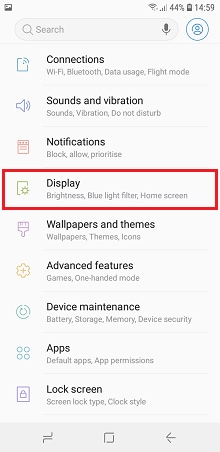
Just tap the name of the font that you want and confirm that you want to set it as a system font. Scroll down to the “ font style ” section on the “ screen zoom and font ”. Go back into the “ settings ” app and tap on “ display ” again.
Tap the “display” option, and then tap the “font and screen zoom” setting. Selecting a font requires a quick trip to settings > display > font size and style. Also, if you don’t like any of the.
A font preview is also available for you to gauge which size best suits you. If you purchase the new samsung galaxy, you may be curious about how to change the font style and font size. On samsung devices, you can also change the font.
Then, tap font size and style again. Yes it is basically zooming in on the screen. How to change system fonts on samsung galaxy j7.
From the right pane, under the font section, tap the font size option. A font that’s too small makes texts hard to read. The good news is that the font style and font size is exceptionally customizable.
Dragging it to the right will increase the font size and so the text gets bigger. Change the font size by dragging the slider left or right. Begin with, activating samsung galaxy a12 and then tap on settings.
From the homescreen, tap apps. How to change the font on your samsung phone open your phone’s settings application, scroll to “display” tap on display and scroll to “font size and style” From the settings window, in the left pane, tap the display option.
This will also increases the system font. From the home screen, go to settings. I'm using a samsung galaxy s10+, but i do not think that makes a difference.
Tap accessibility text and display. From the displayed list, tap the settings icon. Switch larger font sizes on by tapping it, then use the slider to choose your font size.
Then, tap “ screen zoom and font ” again. Once you've done that, tap done. On the other hand, you may find the fonts in your texting conversation on your samsung galaxy s8 to be too big.
Swipe to apps screen → settings → display → screen zoom and font → select font style → apply Now go to the “display” settings. To make your font size smaller or larger:
Here you can change the font style and size. You can simply pinch the screen but if you wan. But you’re not just stuck with these beauties.
And boy are there some good ones. You can change the size and style of the font on your device, including downloading additional fonts from samsung galaxy apps. Below, tap the name of any font from the list to change your text style.
Below is the process how you can manage the size of the fonts that your device displays: On the opened font size window, tap to select the. Look for “font size” or “font size and style.” slide the dot on the scale at the bottom of the screen to adjust the text size.
Tap the switch next to bold font to turn this option on or off. Select the gear icon to go to the system settings. Change the font on a samsung device.
You have the ability to preview the font size and style at the top of the screen. In this menu, you can change screen zoom and font size options, but if you scroll to the very bottom you’ll find a “font style” section where you can find all the available font choices on your phone. Open your device's settings app.
Use the slider to choose your font size.
How Do I Change The Font Style And Size On My Samsung Galaxy Tab A Samsung South Africa
How To Change The Font Size On An Android In 2 Ways

22 Samsung One Ui Tips Tricks And Hidden Features - Smartprix Bytes

How Do I Change The Font Size On My Device Samsung Uk

22 Samsung One Ui Tips Tricks And Hidden Features - Smartprix Bytes
Samsung Galaxy S8 S8 G955ug950u - Messaging Settings - Att
Galaxy S10 S10 How To Change Text Messages Font Size - Youtube

How To Change Font Style On Samsung Mobile Device Samsung Singapore

Galaxy S21ultraplus How To Increase Decrease Text Font Size For Messages - Youtube

How To Change Text Size On Android
How Do I Change The Font Size On My Device Samsung Uk
How Do I Change The Font Size On My Device Samsung Uk
How To Change The Font Size On An Android In 2 Ways
Customize Your Phones Font Settings

How Do I Change The Font Size On My Device Samsung Uk
How Do I Change The Font Size On My Device Samsung Uk

Galaxy S8s9s10 Text Message App How To Increasedecrease Font Text Size - Youtube
How To Change The Font Size On An Android In 2 Ways
How To Change Font Style On Samsung Mobile Device Samsung Singapore


Komentar
Posting Komentar