How To Change Your Font On Snapchat Iphone
Browse to the styles and decide upon a font and a keyboard. Admittedly, apple doesn’t allow you to change font style on iphone/ipad;
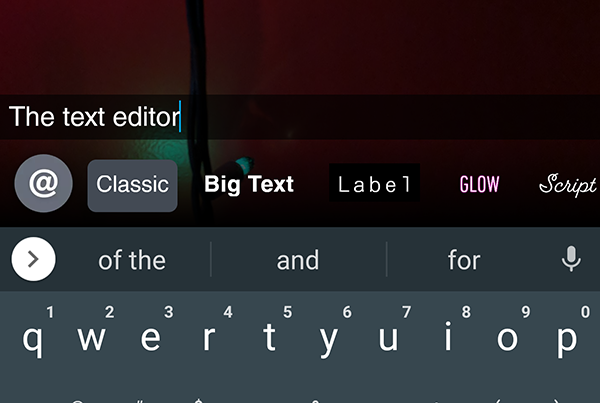
How To Change Your Text In Snapchat
Connect your ios or android device via usb.
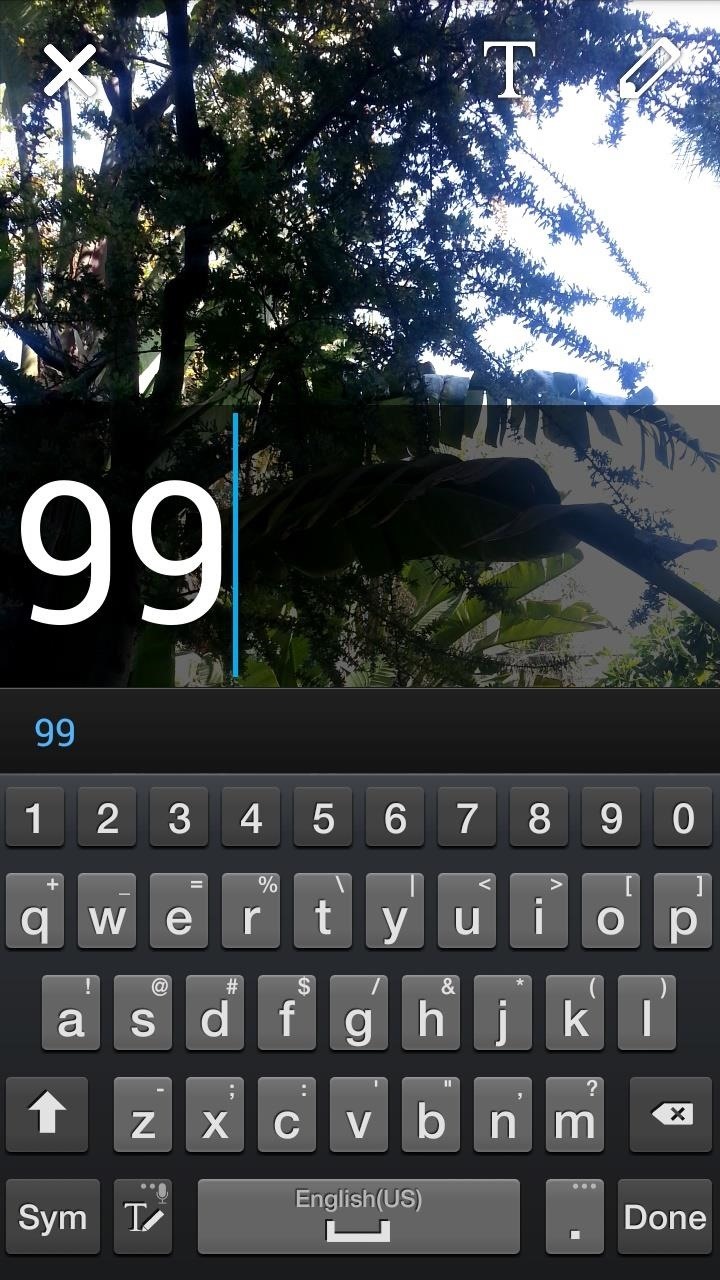
How to change your font on snapchat iphone. The fonts for your text can be handpicked manually, or set up on default. How to change the font. Generally, you need to jailbreak your iphone to install an ios gps faker that can change your snapchat location.
Open up the snapchat app and take a still pic or short video as usual. Drag the slider to select the font size you want. Tap larger text for larger font options.
With ios 14, you can now use the shortcuts app to change the app icons of your apps. Go back to your settings and adjust the font size as needed. You can then change your language on snapchat by using the language drop.
You can also use a jailbroken phone to change app icons. Tap the “display” option, and then tap the “font and screen zoom” setting. After you've downloaded the app to your iphone, follow the instructions below to design your own font for your bio:
Launch the app and tap on the get started button, so you can choose font styles and keyboards. You'll see a list of fonts, tap one to select it. Just select a spot that you like, using the text field in the upper left corner, or using the mouse.
You can simply do the following: After you take a picture, you can add text to it as you would have prior to the update. Go to settings > accessibility, then select display & text size.
So, answering the question of what font does snapchat use we can answer with avenir. On your iphone, open the settings app, scroll down to find accessibility, tap display & text size, and hit larger text. To change the actual size of the text on your iphone, open up the display & brightness preferences inside the settings app, then tap text size. you can also go to general, then accessibility if you want, then select larger text.
If you searching from the app store to find gps spoofing apps, you will find there are few choices that really work. Go to settings > keyboards. On ios 11 or later, go to settings > display and brightness > text size and adjust the slider to increase or decrease the font size.
The settings of changing font size on iphone are easy as following: September 25, 2021 november 6, 2021 bold fonts free fonts logo fonts modern fonts professional fonts sans serif fonts text fonts website fonts by hipfonts. Given that, i recommend you try the desktop mock location.
If you are using an older version of ios, you need to download a separate paid app. Once fonts pro keyboard is installed, you receive a full access to all big base of different new fonts, emoji, styles. The reason behind it was that frutiger wanted to see how people perceive color.
If you’re just looking to change the font up a bit, it’s incredibly simple. Making the text too large might make it hard to tap buttons or other functions within apps. Choose the teleport mode icon (the third one from the left) in the upper right corner.
How to change location on snapchat on iphone. Once in settings, change your support language on snapchat by scrolling and tapping the app’s “i need help” link. Drag the slider at the bottom of the screen.
How to change your font on snapchat iphone. This wikihow teaches you how to change the displayed app icons on your iphone. Unlike the rest of snapchat’s recent update, accessing the new fonts is fairly intuitive.
The original version had weights grouped very close. You can change the font size of your smartphone. Download and launch imyfone anyto.click on get started.
Make the font even bigger. Download the app from the appstore. Turn the font toggle on.
Just enter your text on the large textarea zone at the top of the website and fonts will appear automatically. Your snapchat will be on fleak ! Pull down the notification shade and tap that cog icon.
Explore amazing typefaces created by independent creatives from around the world. Many users wonder how to change font in telegram. You'll see the name of the font you selected, and you can tap the text field to.

How To Change The Font On Your Snapchat Username 2019 - Youtube
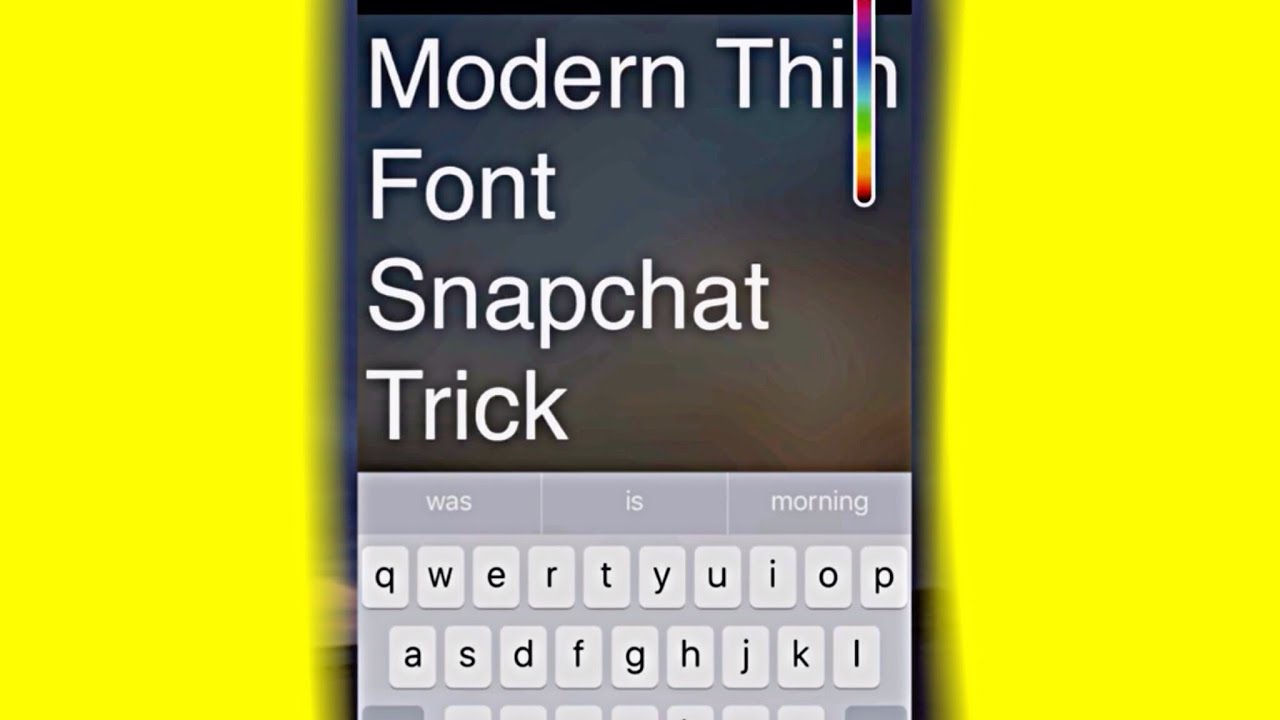
Ultra Thin Snapchat Font Trick January 2018 How To Change Big Font On Snapchat - Youtube
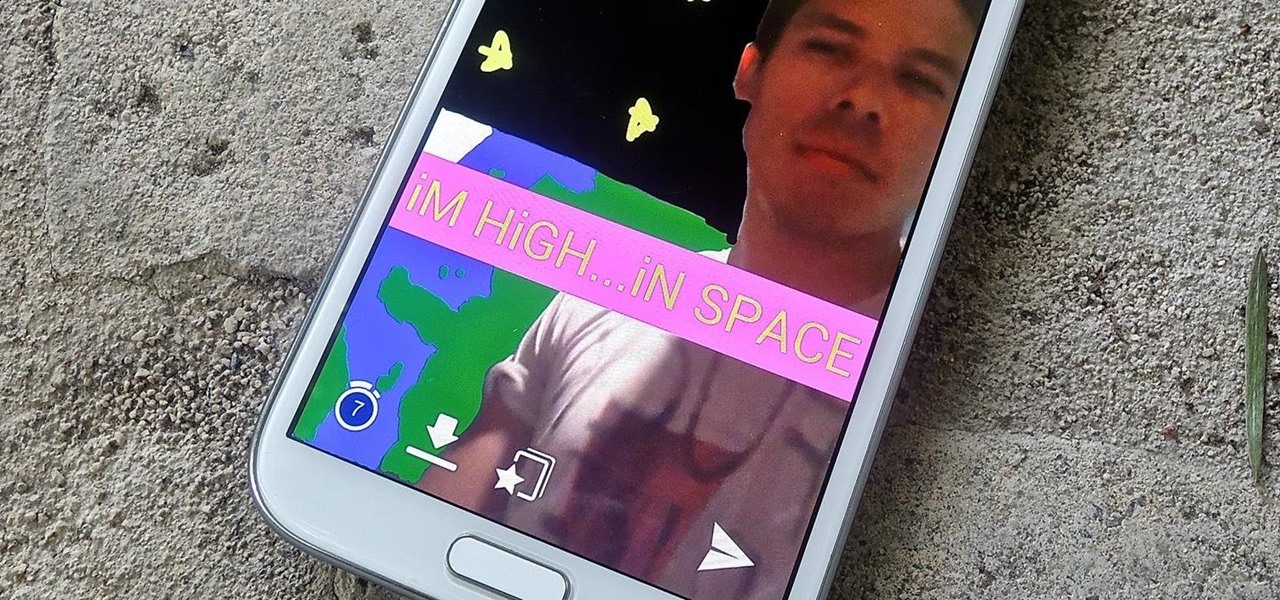
How To Change Font Size Text Colors In Snapchat On Your Galaxy Note 2 Samsung Galaxy Note 2 Gadget Hacks
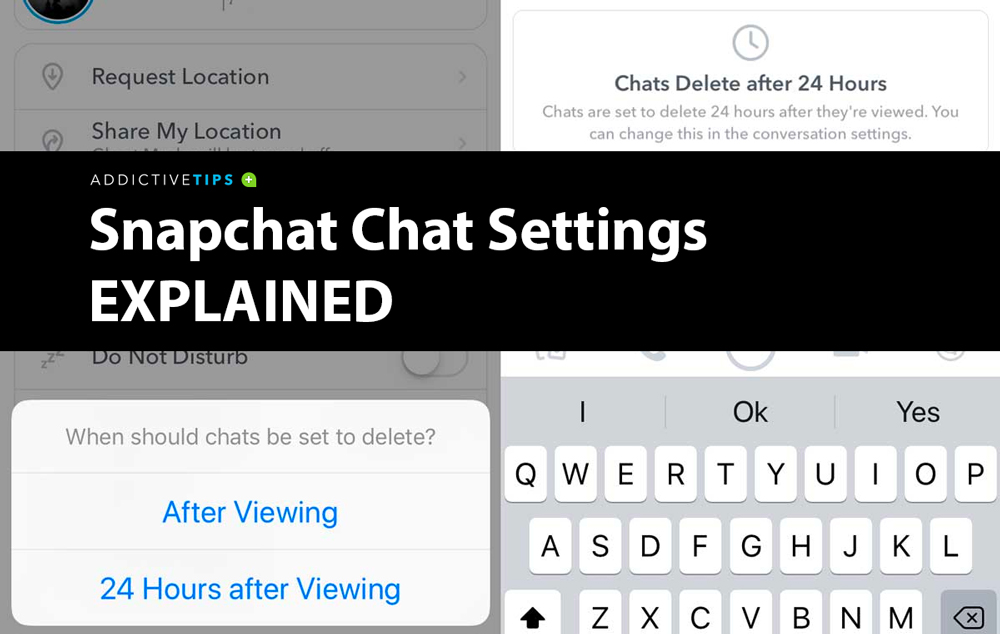
How To Change When Messages Expire On Snapchat

How To Change Snapchat Emojis
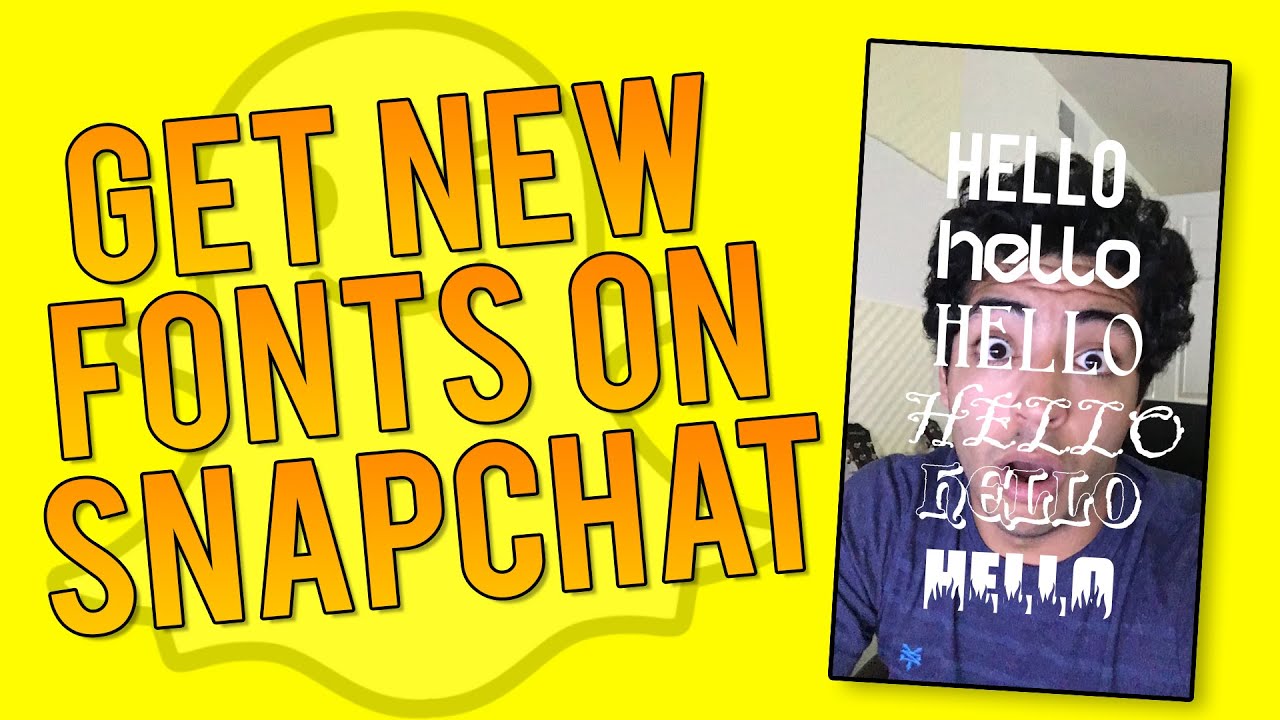
How To Get New And Different Fonts On Snapchat Snapchat Tips Tricks - Youtube

How To Change Your Text In Snapchat

How To Change Snapchat Font Text On Android Ios

How To Change Your Snapchat Display Name Not Username
How To Change Your Snapchat Display Name Not Username

How To Change The Font On Android

Solvedhow To Change Font On Snapchat - Howco
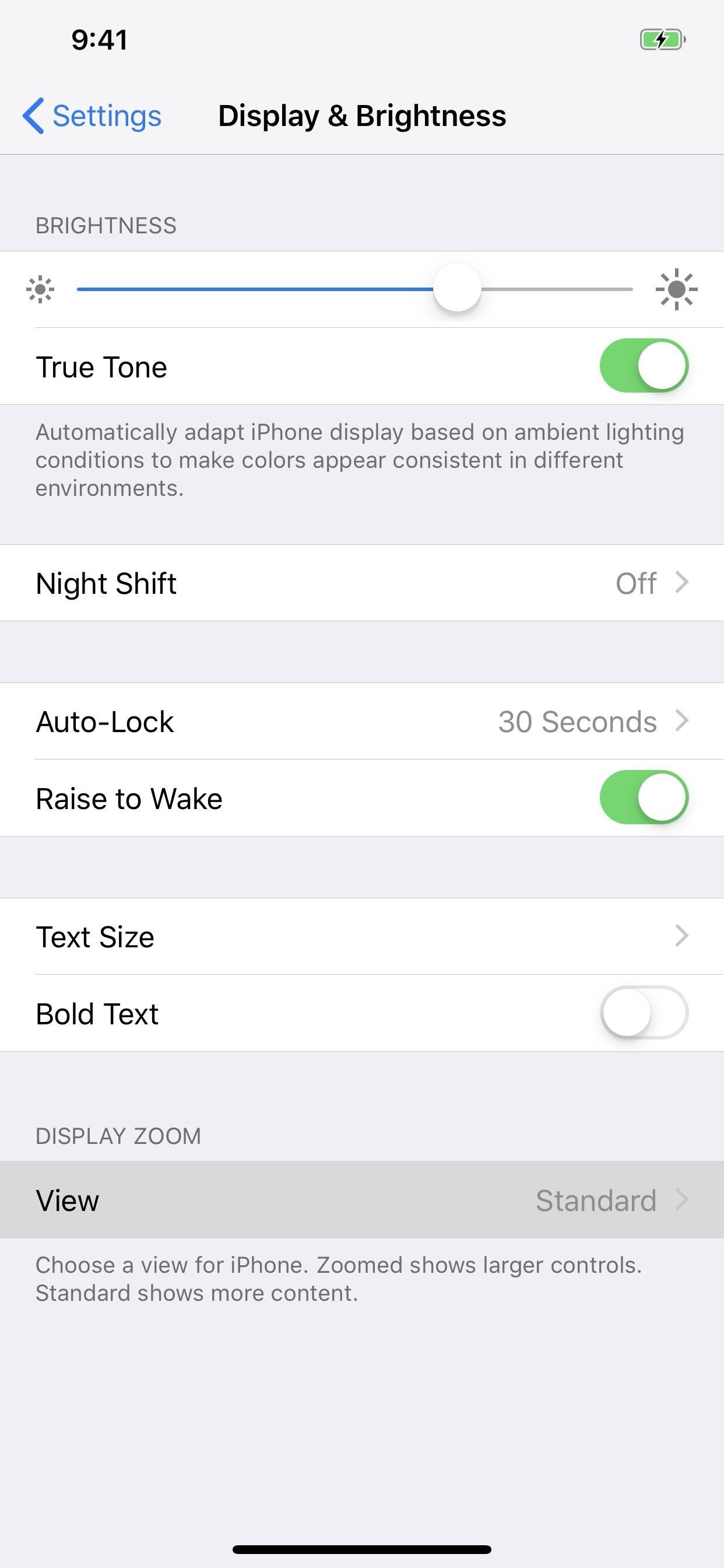
How To Change Text Size On Your Iphone For Smaller Bigger Bolder Fonts Ios Iphone Gadget Hacks
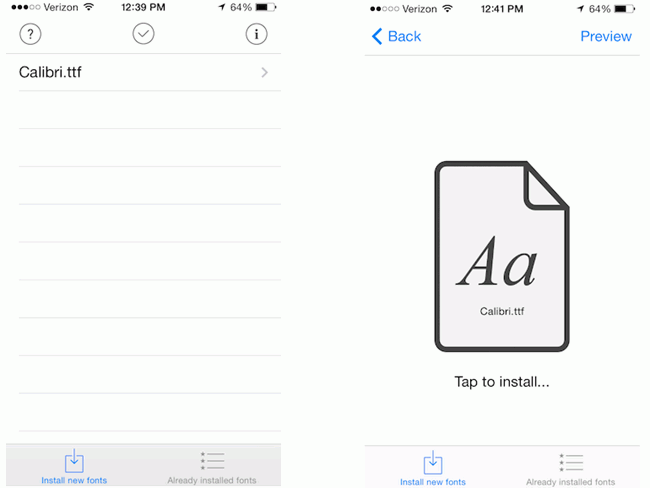
Top 4 Ways To Change Text Font On Iphoneipad Ios 15141312 Supported
Yes Snapchat Has A Dark Mode - But Its Only Available To Some Users Heres How To Check If You Have It

How To Change Font Size Text Colors In Snapchat On Your Galaxy Note 2 Samsung Galaxy Note 2 Gadget Hacks

How To Change Fonts On Snapchat - Youtube

How To Change Someones Snapchat Display Name Imore

How To Change Your Snapchat Username


Komentar
Posting Komentar