Change Default Font In Powerpoint For Mac
Open powerpoint on your mac or pc. Change the default font in word for mac.
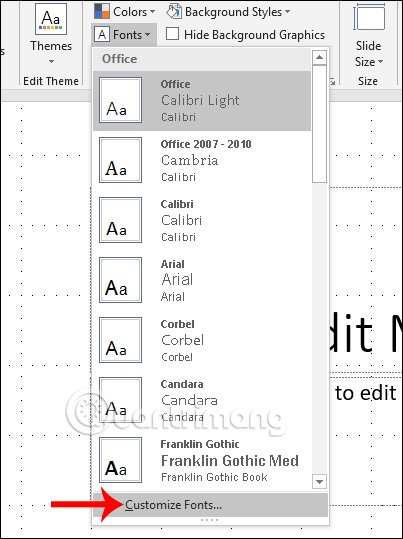
How To Change The Default Font In Powerpoint
Microsoft office for mac is a suite of applications that includes word for creating text documents and.
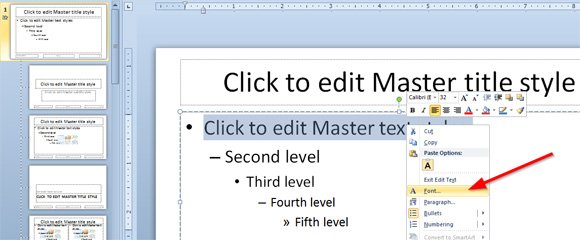
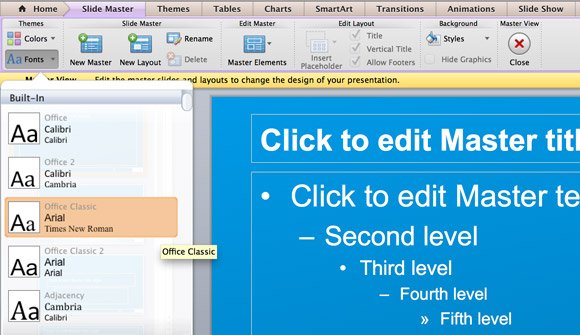
Change default font in powerpoint for mac. To change or replace the font family set in a theme using microsoft powerpoint 2011 for mac, go to slide master and then look for fonts popup menu under themes section in the powerpoint menu. You might want to make changes to your text box by altering some attributes as explained in these tutorials. 31 thoughts on “ how to change the default system font in mac os x ” b.
This will apply for the template or will help you to change the default font in powerpoint 2010 or 2013. Then in the master view, choose the type of slide and you want to change default fonts, then choose the texts you need to change font formats, and choose the font type you want either from format menu, or the toolbox. Rather than changing fonts in your slides one by one, you can change the default fonts for your entire presentation.
In powerpoint 2016, the default font for text boxes and shapes is calibri with font size of 18 points. To change the default font for text boxes, follow the next steps: For more information, see change the default font in powerpoint.
Find the font in question in the middle pane and expand the selection. The font pairing (header font, body font) is an important design decision in powerpoint. We similarly changed all instances of baskerville old face to copperplate.
You can now select your preferred font that you want to. Alternatively you can also navigate to a slide that contains a text box that has the formatting attributes you want to set as default. Select the font you want to use for all the slides in the presentation.
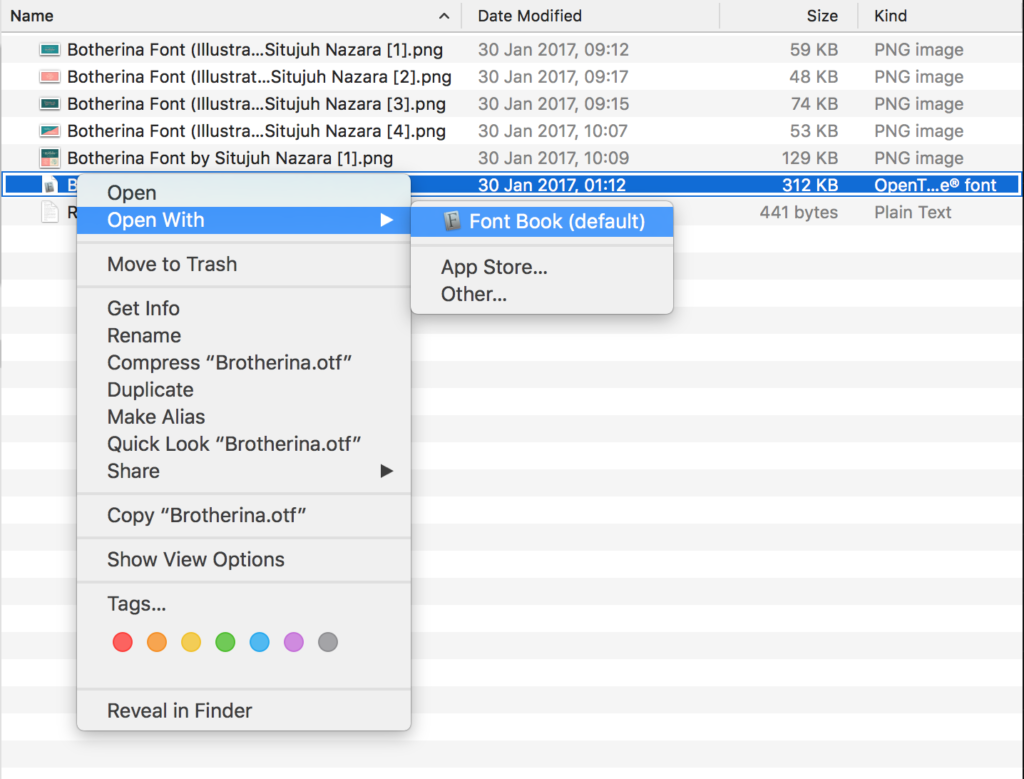
To install a font in the computer group, open your font book (the default osx app that manages fonts) and drag the files into the computer section in the left hand sidebar. The font displays in a window, providing a preview of what it will look like in powerpoint. On the document editing screen, click the arrow icon in the font section to open the font settings menu.
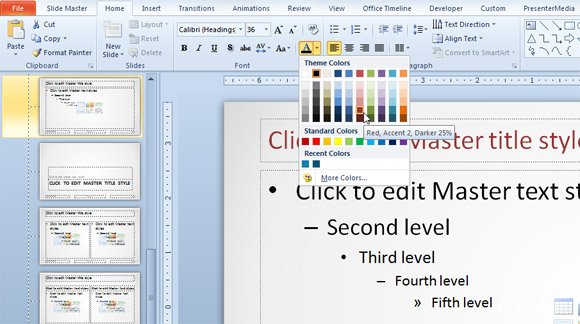
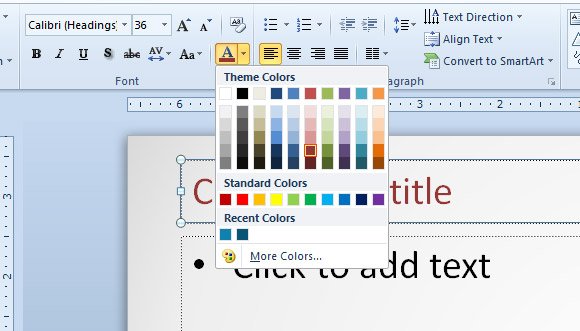
If a default theme.potx file exists, you can also select the default theme.potx file, and then select save to overwrite it. Includes 30+ new and awesome system fonts released by microsoft powerpoint around the first quarter of 2020. Right click on the text level where you want to change the font and then click on font… option.
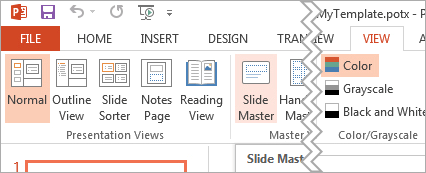
To access your master slides, navigate to the ‘view’ tab and select ‘slide master. Close powerpoint, and then select file > new. Font selected to replace the existing font;
Click the “close master view” button to apply the changes. Jefferson le blanc november 21, 2014 at 8:13 am. To edit the fonts used by your template, select the “fonts” button, listed under the “slide master” tab on the ribbon bar.
Here is the full list of fonts with previews that are approved system fonts you can use in your powerpoint presentation/template without having to worry about your font not showing or loading properly. Click view > slide master. Here you can see that powerpoint 2011 for mac let you change the default font used in the presentation.
This will update the font used across your powerpoint slide master template. We chose copperplate as the replacement font. Once you have set the font you want to use as the default font, on the themes tab of the ribbon click the small triangle immediately to the right of the save theme button.
On the insert tab, in the text group, click text box: Of course this doesn’t address the question of whether it’s a good idea to change the system font. To get started with changing the default font in microsoft word for mac, first launch the app and then select format font from the menu bar at the top of the screen.
To change the default font in a template, you will need to update the theme font in the slide master. Insert a text box on a slide and make all formatting as required in powerpoint 2011 for mac. Next, under both majorfont and minorfont, change to make xxx whatever typeface name you want.
You can change this font according to your preferences by following a series of steps. The default font of this blank presentation theme is calibri. Create a new presentation from a template to start, or opt for.
And now it’s installed, head over to powerpoint (making sure to restart the program) and click the “format” tab. Select the font info button (inscribed “i”) from the top bar or press command + i so that the rightmost pane is displaying font information. Create a new text box in your presentation:
Next, click the replace button, as shown in figure 7. I wasn't sure but to save some dancing around in case it's important, i made them match). First thing is to change name=xxx to the new name for the font theme (it might have to match the file name;
Now you can choose the font face to use and font properties. Now, you see the default template that's displayed as an option. Launch font book (open applications folder in finder, find and launch font book.app) select all fonts from the leftmost pane.
How to change the default font on microsoft office for a mac.
Cant Change The Default Font In Macos - Microsoft Community
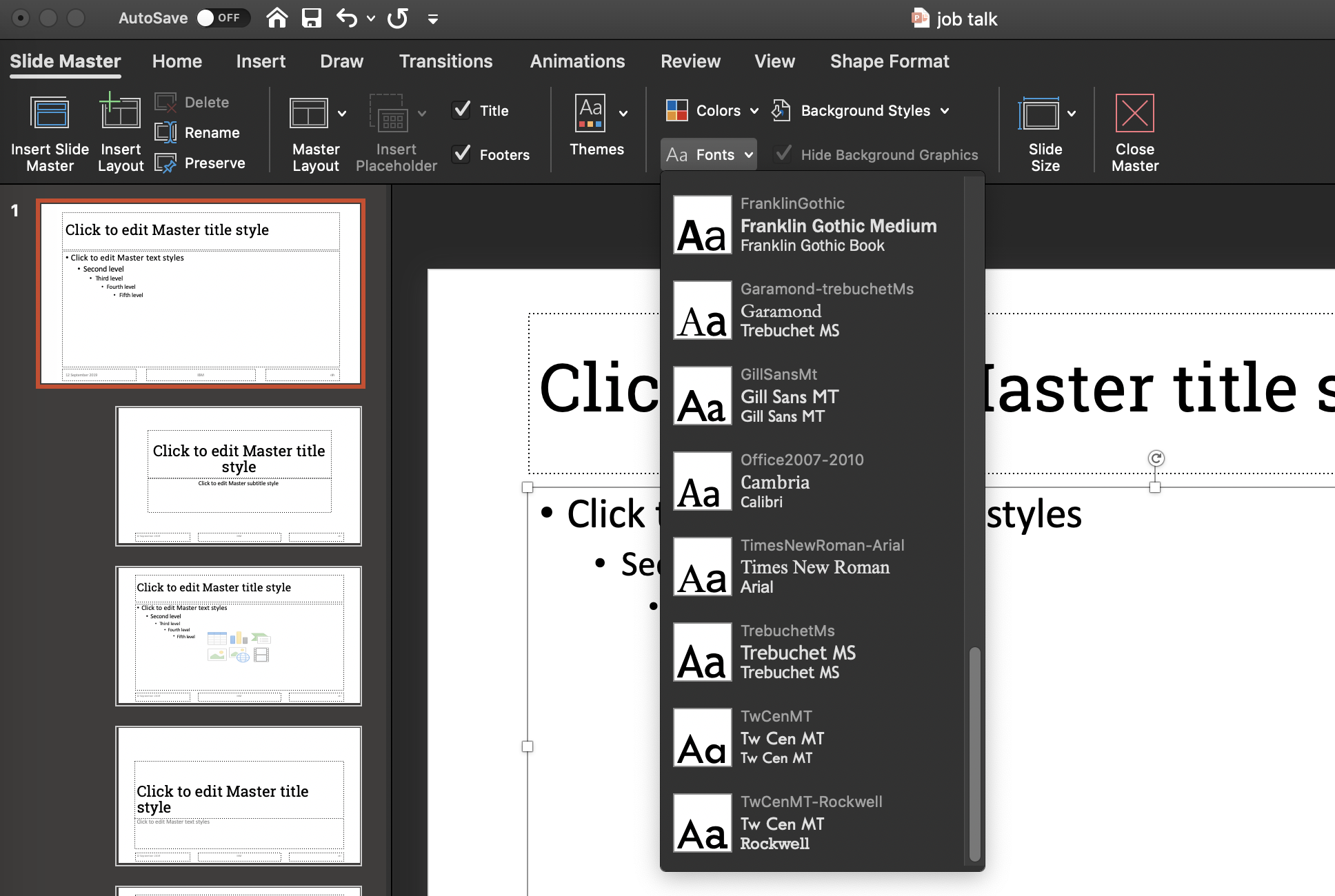
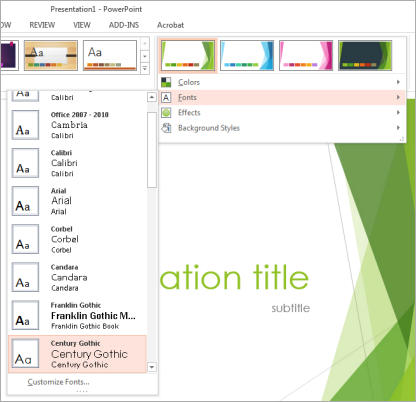
How To Replace A Font In A Powerpoint Presentation Powerpoint Tips And Tutorials
How To Permanently Change The Default Font In Powerpoint Powerpoint Tips And Tutorials

Instructions On How To Change The Default Font In Powerpoint
How To Change Default Font Color In A Powerpoint Presentation Template
How To Change Default Font Color In A Powerpoint Presentation Template
Cant Change Font In Powerpoint Speaker Note - Microsoft Community


Instructions On How To Change The Default Font In Powerpoint

How To Change The Default Font In Powerpoint
How To Change The Theme Fonts In Powerpoint 2011 For Mac
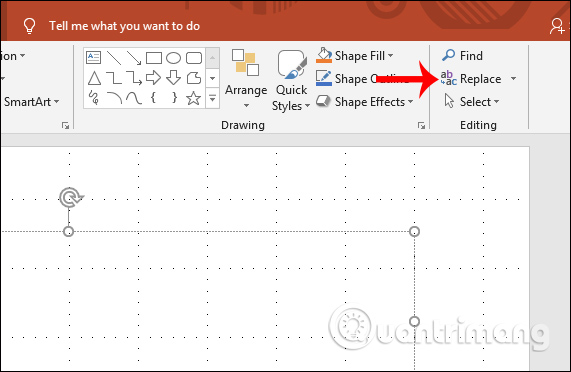
How To Change The Default Font In Powerpoint
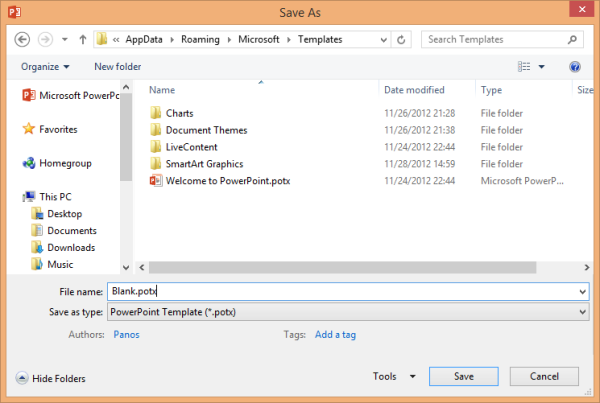
How To Permanently Change The Default Font In Powerpoint Powerpoint Tips And Tutorials
Replace Fonts In Powerpoint 365 For Mac

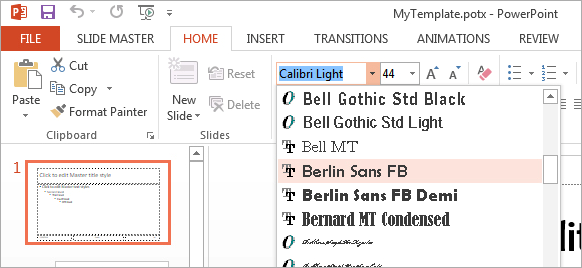
How To Permanently Change The Default Font In Powerpoint Powerpoint Tips And Tutorials

Instructions On How To Change The Default Font In Powerpoint
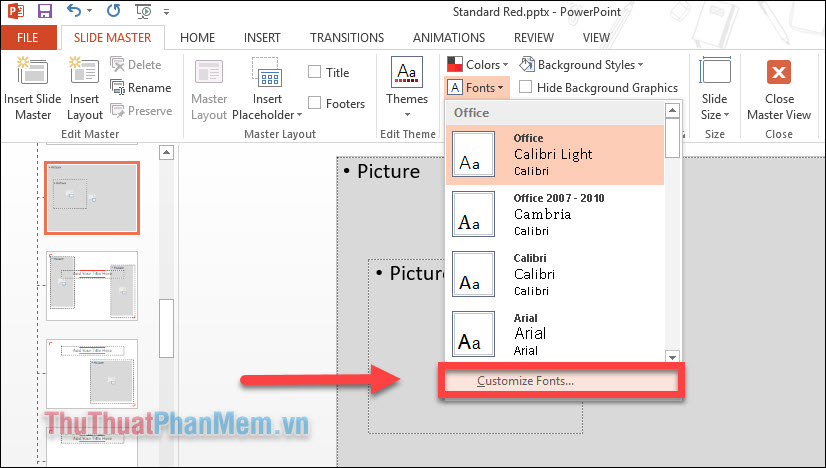
Instructions On How To Change The Default Font In Powerpoint
How To Change Default Font In Powerpoint Template

Instructions On How To Change The Default Font In Powerpoint
How To Download And Install Fonts For Powerpoint For Mac


Komentar
Posting Komentar