Outline Text In Illustrator
If you choose the text, you can also create outline by clicking on type > create outlines in the main menu. Make sure your text is set to the typeface and point size before moving onto the next step.

How To Outline Text In Adobe Illustrator - Outline Text In Illustrator - Outline Adobe Illustrator Illustration
An easy way to outline text or any shape using the offset function._____tutorialsadobe illustrator:

Outline text in illustrator. Effect > document rasterize effect settings: To create outline text, select the text with the selection tool > right click. I do agree with steve, save.
This will automatically outline all of the text within your selected area, and enable you to resize your artwork, while maintaining the design quality of any text in your image. You can also with the text selected, in the main menu go to type > create outlines. Shift+ctl+o) from the “file” menu, select.
Converting text to outlines is very easy in illustrator. What is outline mode in adobe illustrator. There's a lot to learn here for beginners, and one peculiar trick in particular that you'll want to know in order to achieve this effect.
Make sure you type some text on your page… you can create outline by selecting type*create outlines from the selection tool. You can scale the text if it’s not the right size, but you won’t be able to change the typeface after this step. Use the group select tool or choose object*ungroup.
Advanced> print production> flattener preview> convert all text to outlines (checkbox on). Typically, you would not need this feature mostly. How to outline text using adobe illustrator:
High (300dpi) effect > rasterize…: The process of outlining fonts is quite simple in illustrator. Please enable it to continue.
With your text area highlighted, navigate to the type menu and choose the option to create outlines. Select all of the text (mac: This shows that the text is made up of a typeface, not a graphic.
For this tutorial we are using the free font “wask new” from vasilis skandalos. Use black as “fill” color. Macpawel • advocate , dec 28, 2016 dec 28, 2016.
How do i outline text in illustrator? How do you outline text? Advocate , dec 28, 2016 dec 28, 2016.
How do i outline a font in illustrator? The pro text in the graphic shown below (left) has a blue line underneath it. The outline mode is a feature of adobe illustrator which shows your digital artwork as simple vector paths.
The letters shown here are examples of how to separate individual letters if you are creative, or just particular, and would like to move them. Go to the “type” drop down menu and select the “create outlines” tab. We're sorry but dummies doesn't work properly without javascript enabled.
However, if you have accidentally pressed the ctrl/command+y keys on your keyboard, you might have enabled it. Repeating outline text effect in illustrator. Ctrl+a) from the “type” menu, select “create outlines” (mac:
The little blue square at the left end of the line indicates that the text is ranged left. Select all text with the type tool, copy, paste into new document. Document> ocr text recognition> recognize text using ocr.
Once your text is ready to go, select all of it. Select the text with the selection tool > right click and then select create outlines. Illustrator is a very simple program to use for outlining fonts.
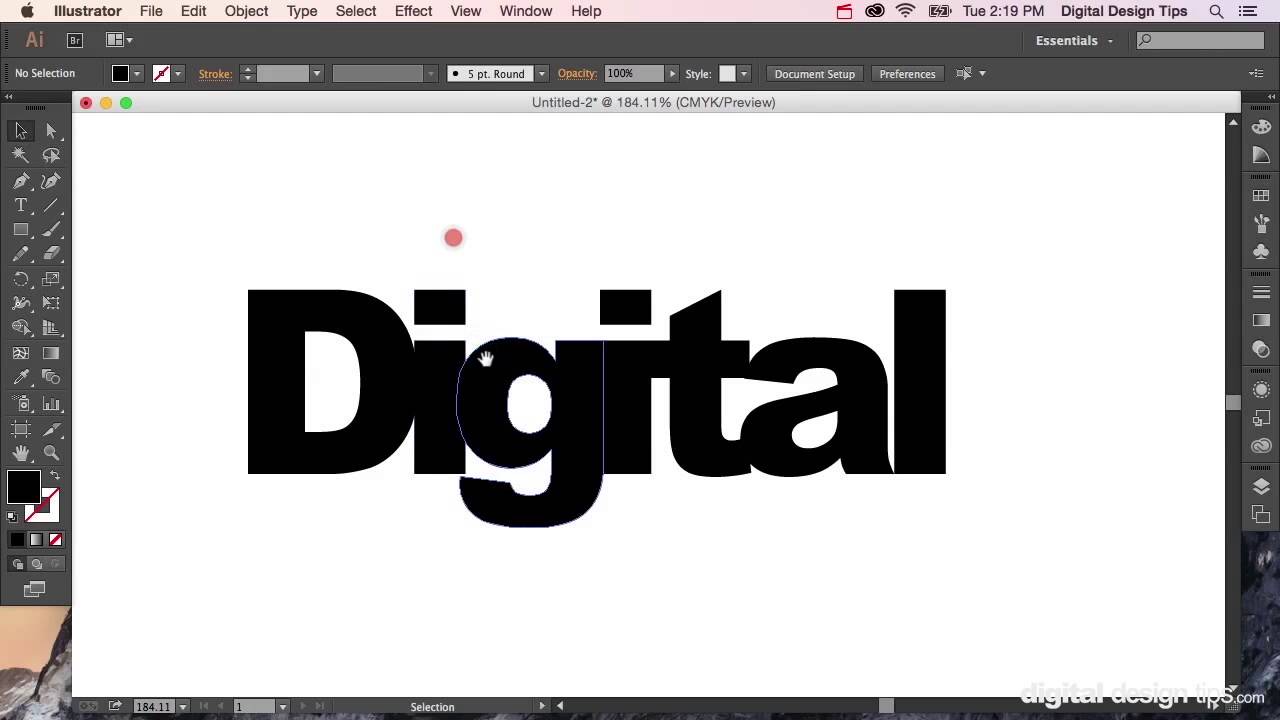
How To Create Outlines In Adobe Illustrator Convert Text To Shapes - Youtube Adobe Illustrator Illustration Text

How To Convert Text To Outlines In Illustrator Create Text Outline Text

How To Create An Outline Effect In Adobe Illustrator Graphic Design Tips Adobe Illustrator Tutorials Illustrator Tutorials

Adobe-illustrator Convert-text-to-outlines 1 Type 2 Create Outlines Vector - Ungroup Find Fonts Chat Room Adobe

Retro Text Effects With Illustrators Appearance Panel Retro Text Graphic Design Tutorials Photoshop Tutorial Typography

How To Create An Outline Shadow In Illustrator Graphic Design Tips Illustration Shadow Fonts

Helping Creativepros Learn The Tools Techniques And Methods For Creating Engaging And Publish Graphic Design Software Illustrator Tutorials Videos Tutorial

How To Convert Text To Outlines In Adobe Illustrator Outline Illustration Text

How To Add A Double Outline To A Text Or A Shape In Illustrator Outline Illustration Text
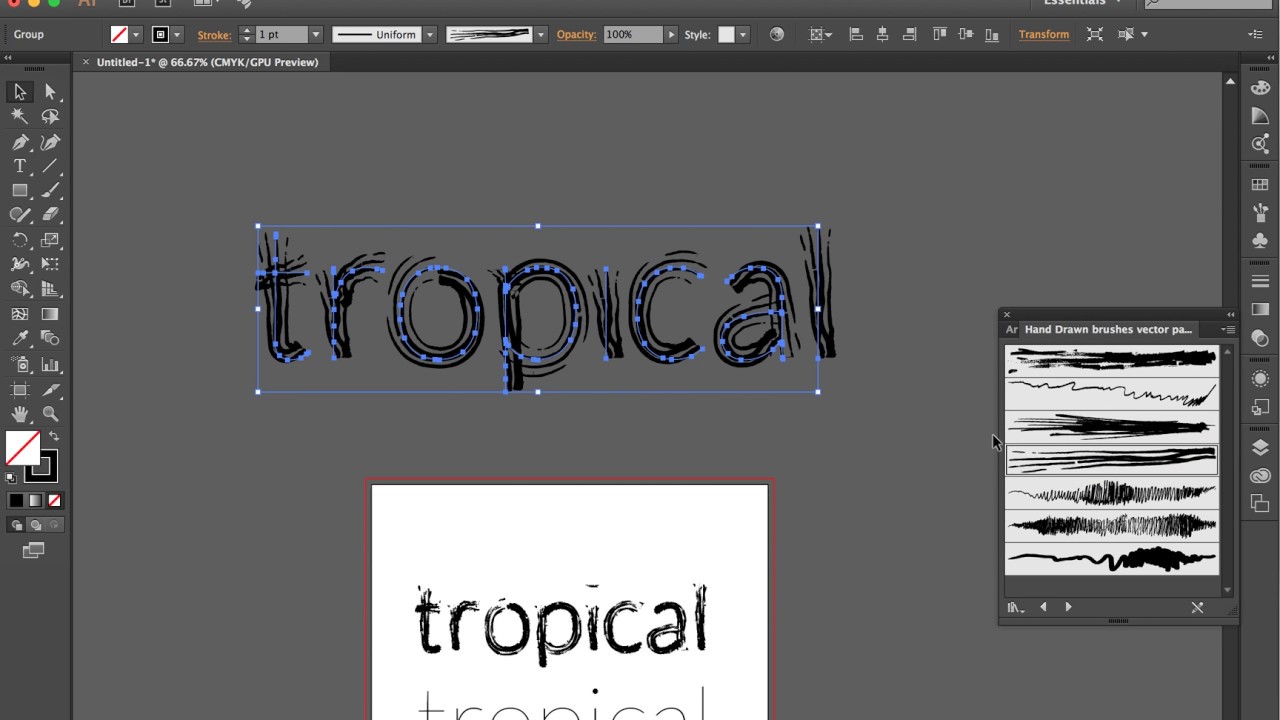
How To Turn Fonts Into Single Line Paths With Illustrator Cc - Youtube Create Your Own Font Single Line Outline
How To Create Double Outlines And Text With Gradients In Illustrator Illustrator Tutorials Graphic Design Tutorials Adobe Illustrator Tutorials

How To Create Multi-stroke Text Effect In Adobe Illustrator Create Text Graphic Design Tutorials Text Effects

Puglypixel Photoshop Tutorial - How To Outline A Solid Font Graphic Design Tips Graphic Design Tutorials Photoshop Tutorial

Create Monoline Single Stroke Text In Illustrator - Youtube Illustrator Tutorials Illustration Text

How To Outline Text In Adobe Illustrator - Youtube Adobe Illustrator Tutorials Adobe Illustrator Illustration

Stroke Techniques In Adobe Illustrator Cs6 Adobe Illustrator Cs6 Adobe Illustrator Illustrator Cs6

How To Outline Type In Adobe Illustrator Adobe Illustrator Tutorials Illustrator Tutorials Adobe Illustrator

Pin By Coninsei On Vectors Patterns Flower In 2021 Illustration Create A Flag Illustrator Brushes
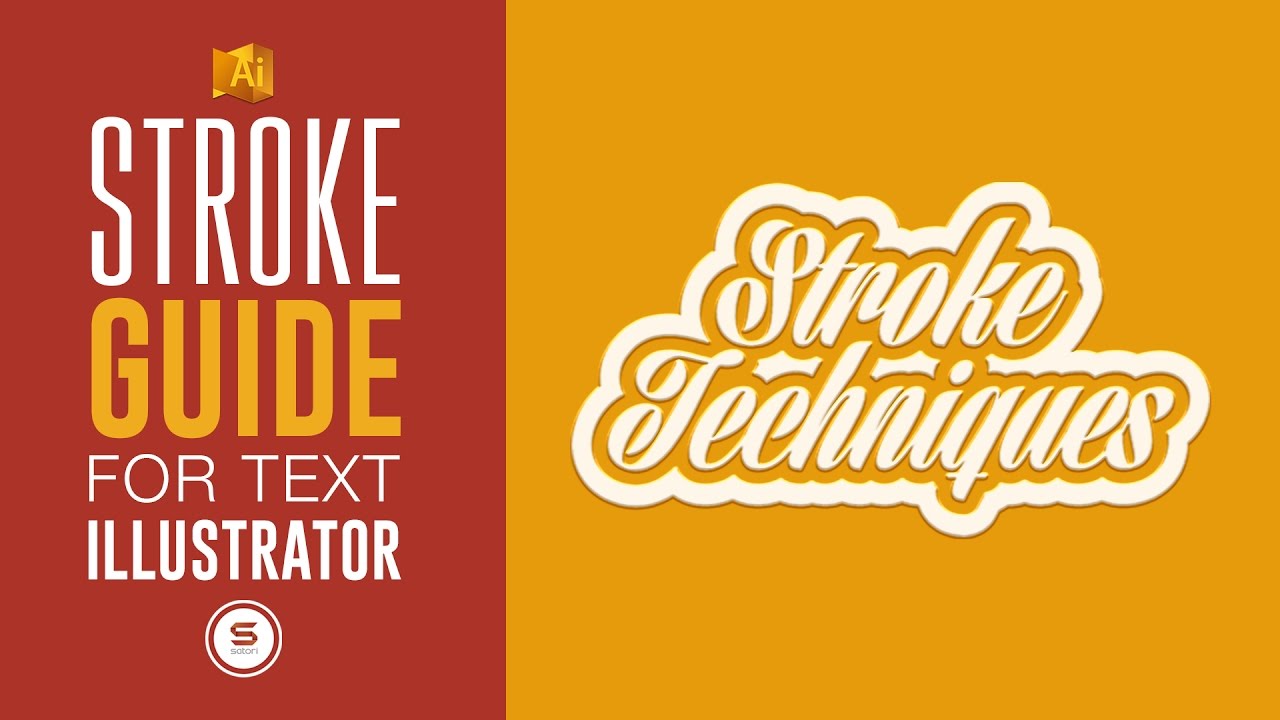
Illustrator Stroke Technique - Illustrator Double Stroke Tip - Illustrator Text Effects Graphic Design Marketing Photoshop Design Graphic Design Fonts


Komentar
Posting Komentar